

/Tinykit after their domain name.
Overview
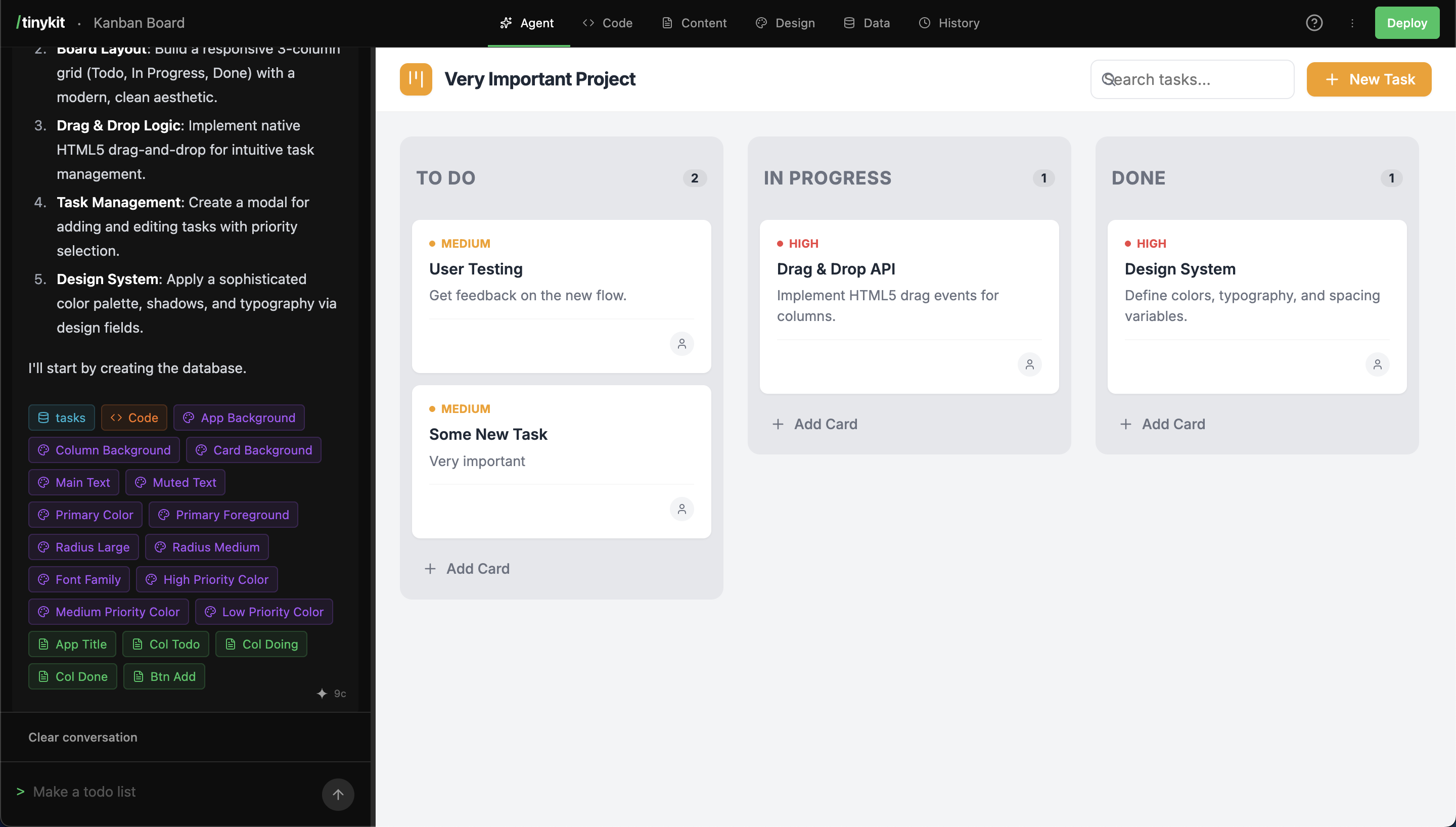
Unlike cloud-based builders that separate development from hosting, Tinykit runs the builder and built applications on the same server. The builder (or studio) is always available and can deploy app updates in seconds.Workflow
- Prompt: Describe the application or feature to the AI agent.
- Generate: The agent writes code, creates and integrates fields and datbase tables.
- Refine: Edit code manually, update content and design from fields, or continue prompting.
- Deploy: Push the ‘Deploy’ button, wait 1-2 seconds, enjoy your app.
- Repeat: Just to go
yourappsdomain.com/tinykitto keep working on it, the studio’s always there.
Comparison
| Feature | Tinykit | Builder Services | Traditional IDEs |
|---|---|---|---|
| Hosting | Self-hosted (VPS/Railway) | Managed Cloud | External |
| Runtime | Single Server | Separate Build/Deploy | Local/CI |
| Backend | Built-in PocketBase | Internal/External | External |
| Pricing | Infrastructure Cost | Subscription | License/Free |
| Data Control | User Owned | Provider Managed | User Owned |
Core Components
Builder
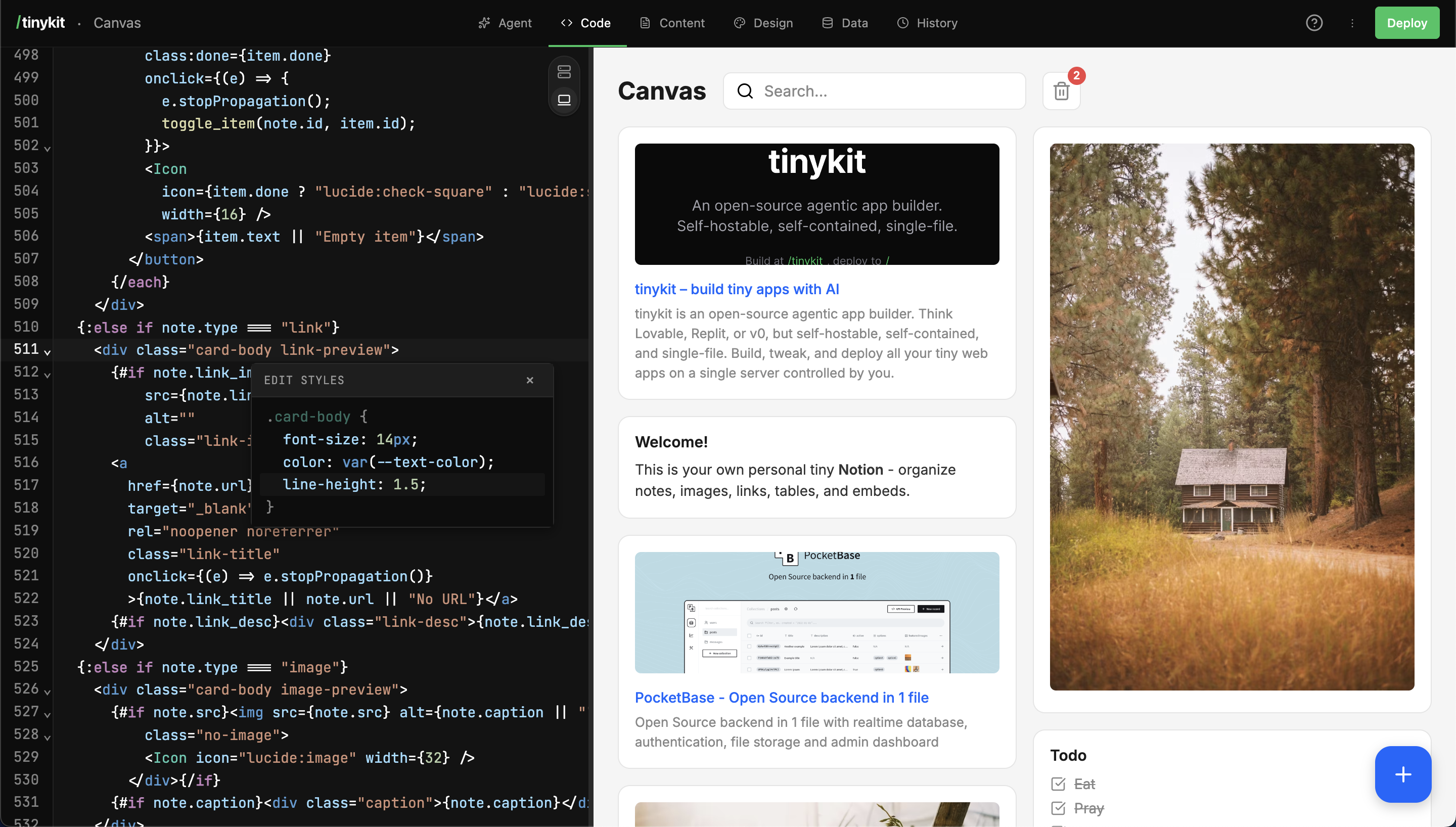
AI-driven code generation and manual editing tools.
Architecture
Technical overview of the single-server model.
Data
Built-in PocketBase integration and schemas.
What Can You Build?
Internal Tools
Admin dashboards, data entry forms, reporting tools
Client Deliverables
Landing pages, booking systems, contact forms
SaaS MVPs
CRM systems, inventory trackers, project managers
Data Apps
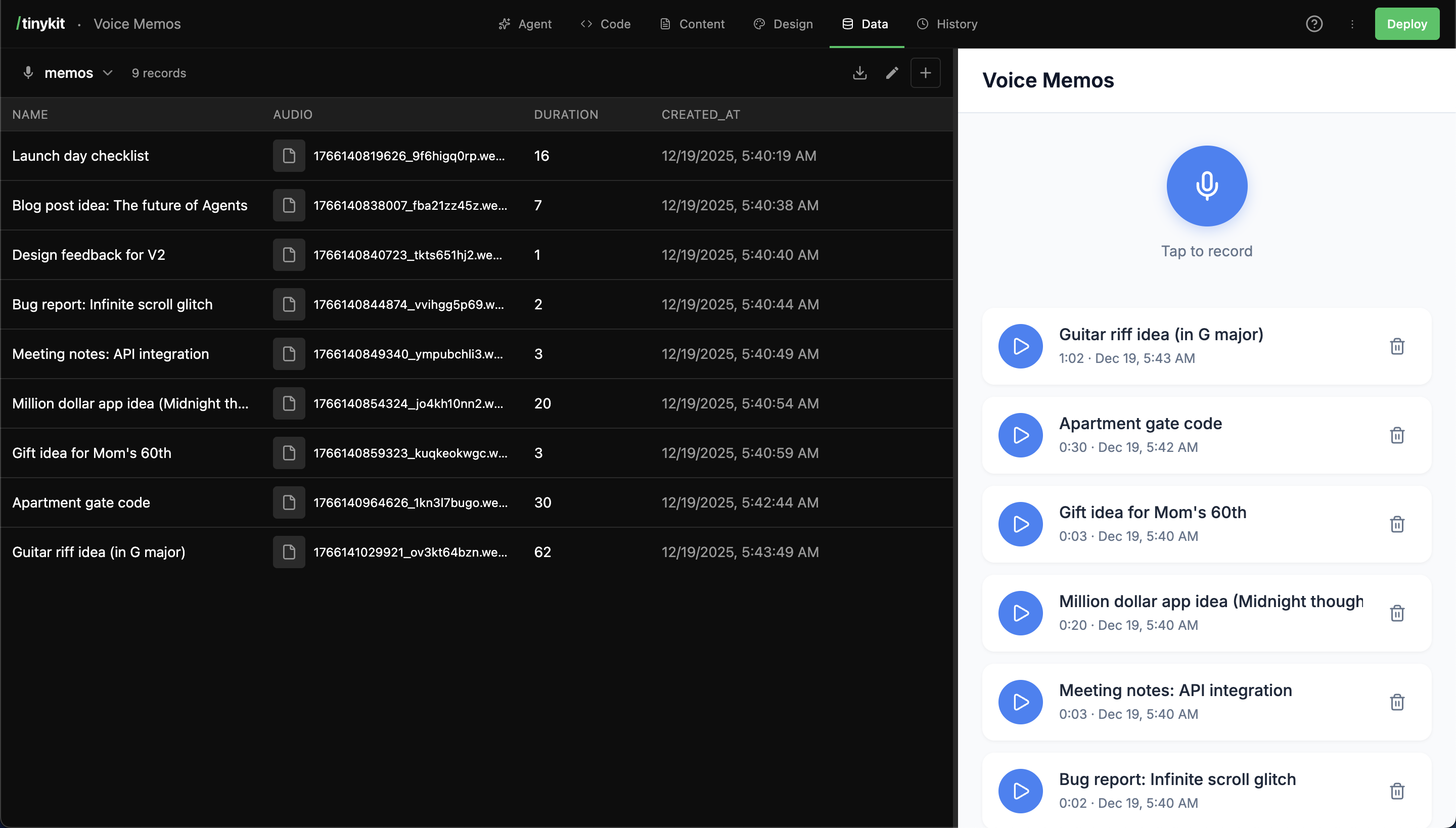
Analytics dashboards, calculators, converters
Portfolios
Personal sites, galleries, blogs
Prototypes
Validate ideas fast before committing
Perfect For
- Freelancers
- Agencies
- Indie Hackers
- Developers
Ship client work in hours, not days. Generate CRUD apps on the fly, customize with AI, and hand off a production URL.