

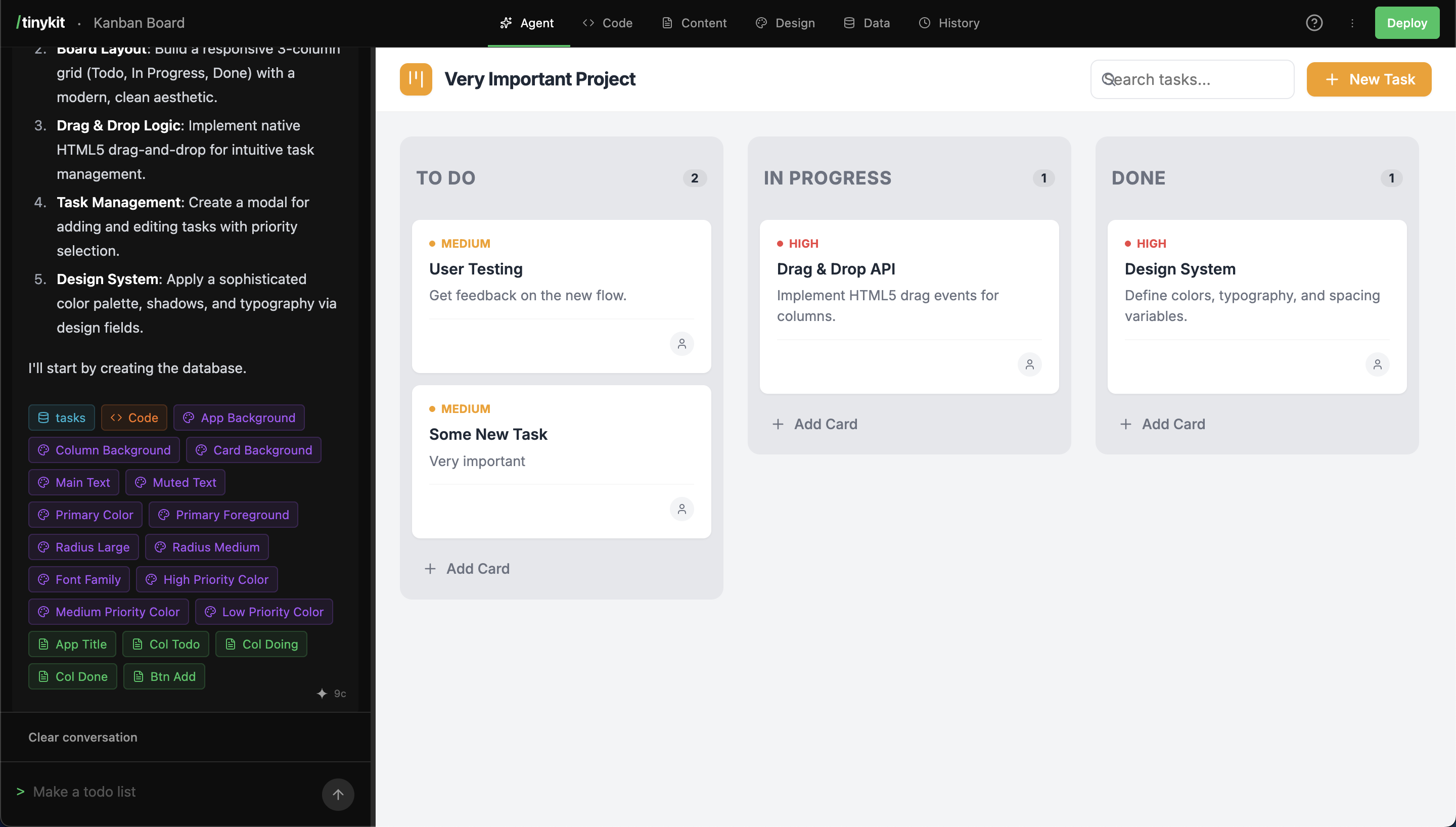
The tinykit builder interface
AI Agent
The AI Agent generates and modifies code based on natural language prompts. It accesses project context, including existing code and configuration fields, to make informed changes.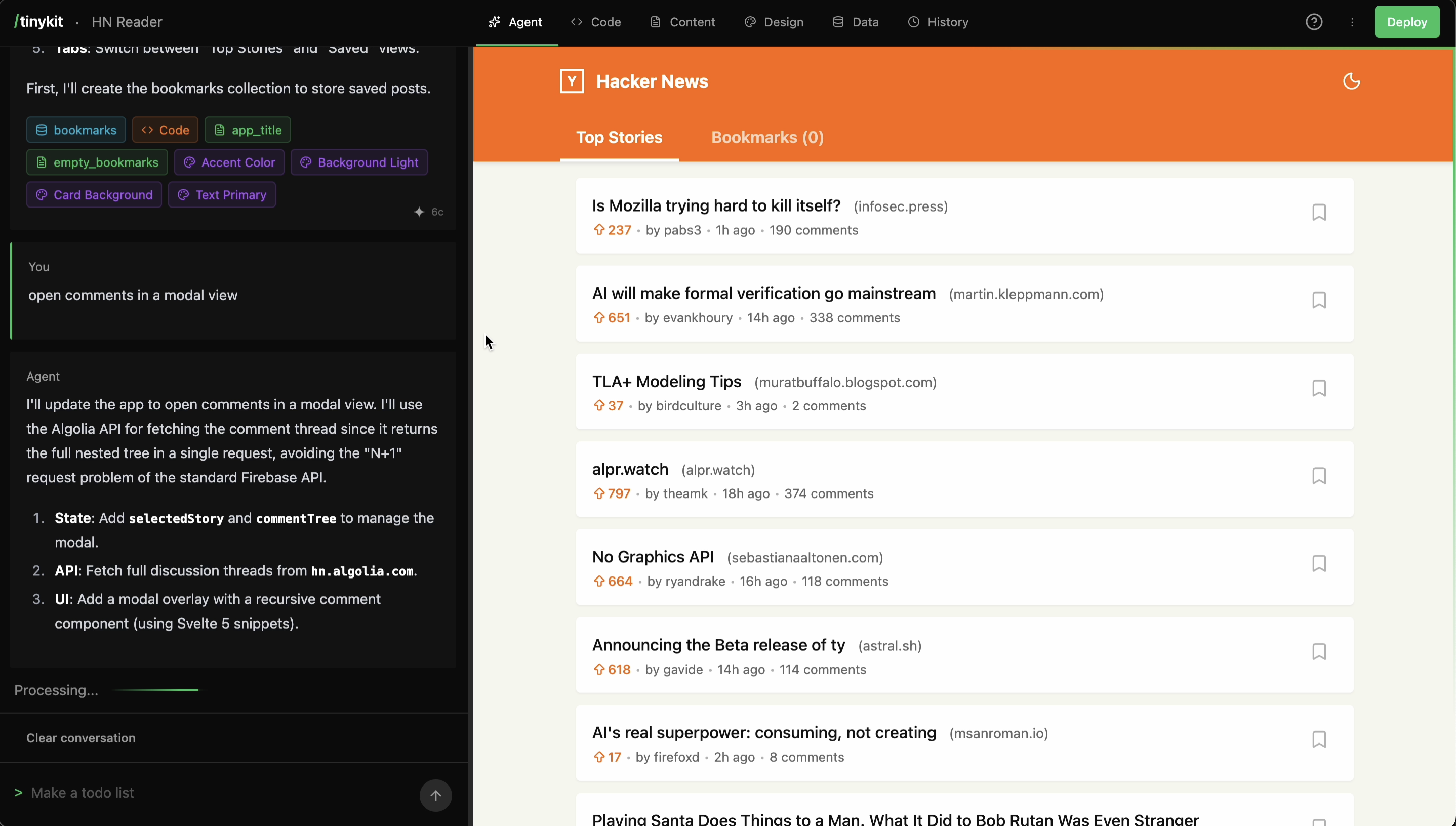
AI Agent panel
- Component Generation: Creates Svelte app from descriptions.
- Code Modification: Updates existing files and logic.
- Debugging: Analyzes and fixes errors.
- Field generation/integration: Creates and integrates content and design fields with the app code.
- Data Integration: Sets up data collections and subscriptions.
Code Editor
A CodeMirror 6-based editor allows for direct code manipulation.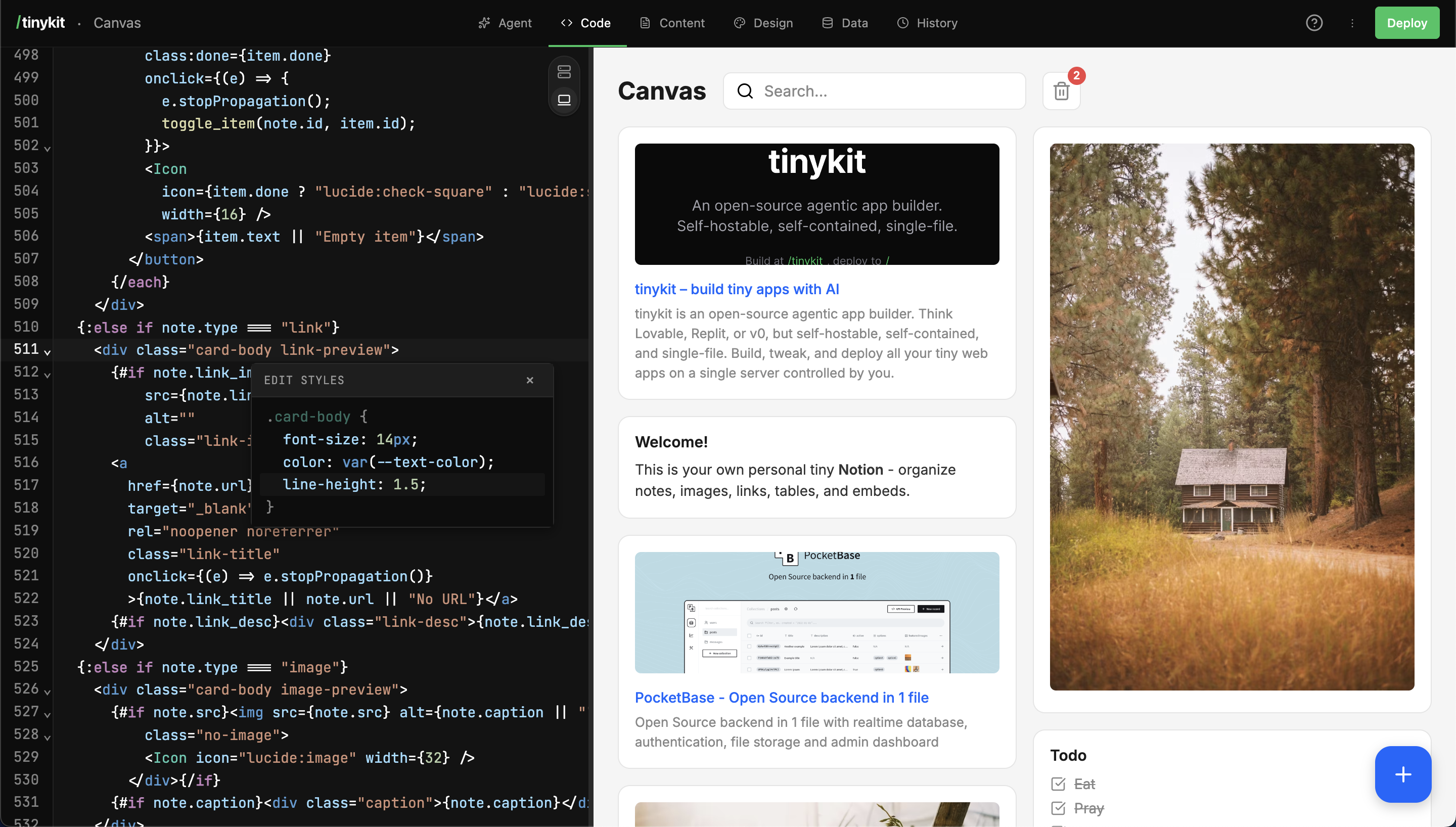
Code Editor panel
- Syntax highlighting (Svelte, JS, CSS, HTML).
- Live auto-save and preview sizing.
- Standard keyboard shortcuts (Cmd+S to save, Cmd+F to find).
Live Preview
The preview pane displays the running application in a sandboxed iframe. Changes are reflected immediately upon save or generation.Content Fields
Content fields decouple text content from code, allowing updates without code deployment.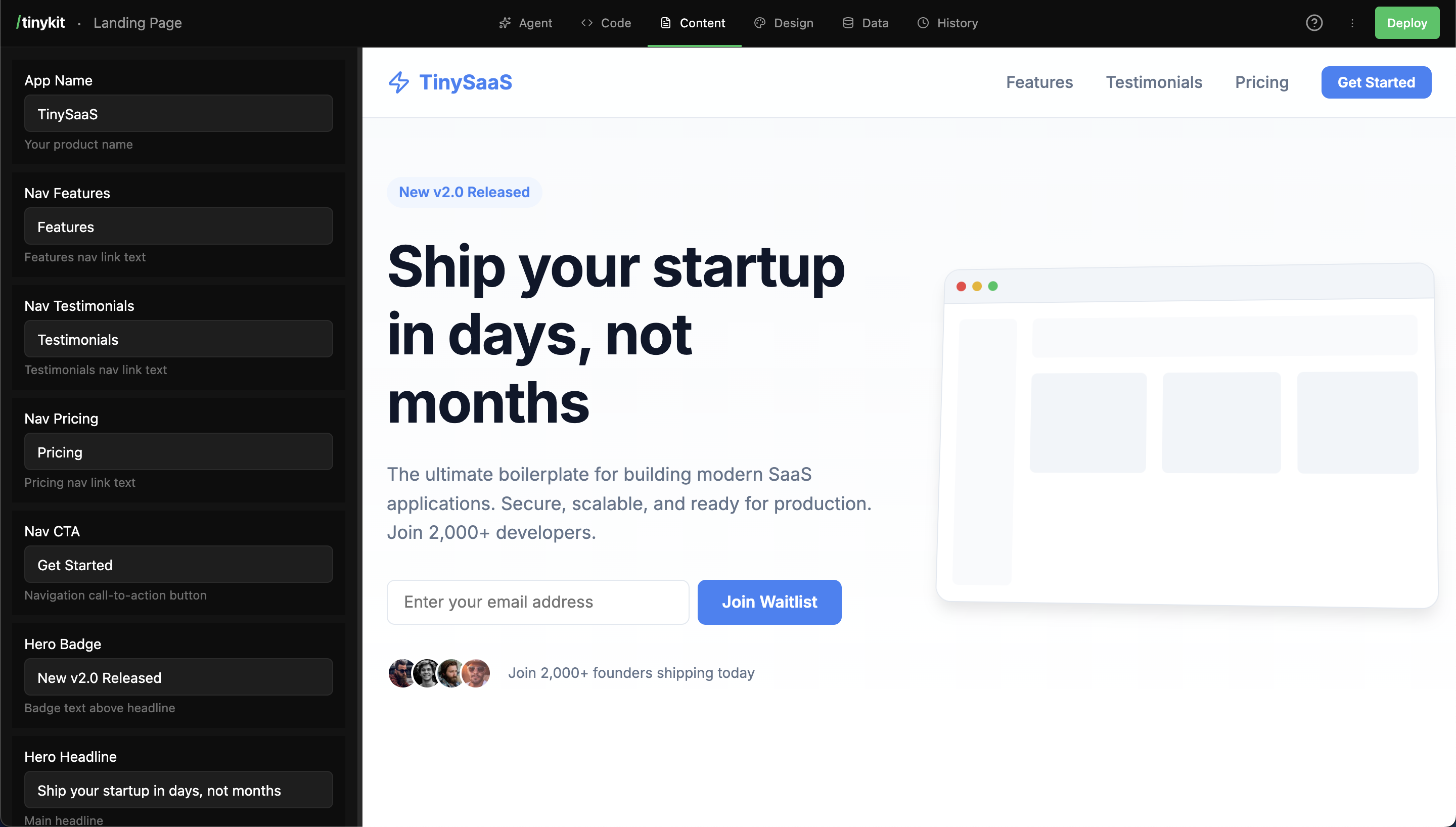
Content Fields panel
- Usage: Fields are referenced in code (e.g.,
content.title). - Types: Text, Textarea, Number, Boolean, Image, Markdown.
Design System
Design tokens are managed via CSS variables, accessible through the Design panel.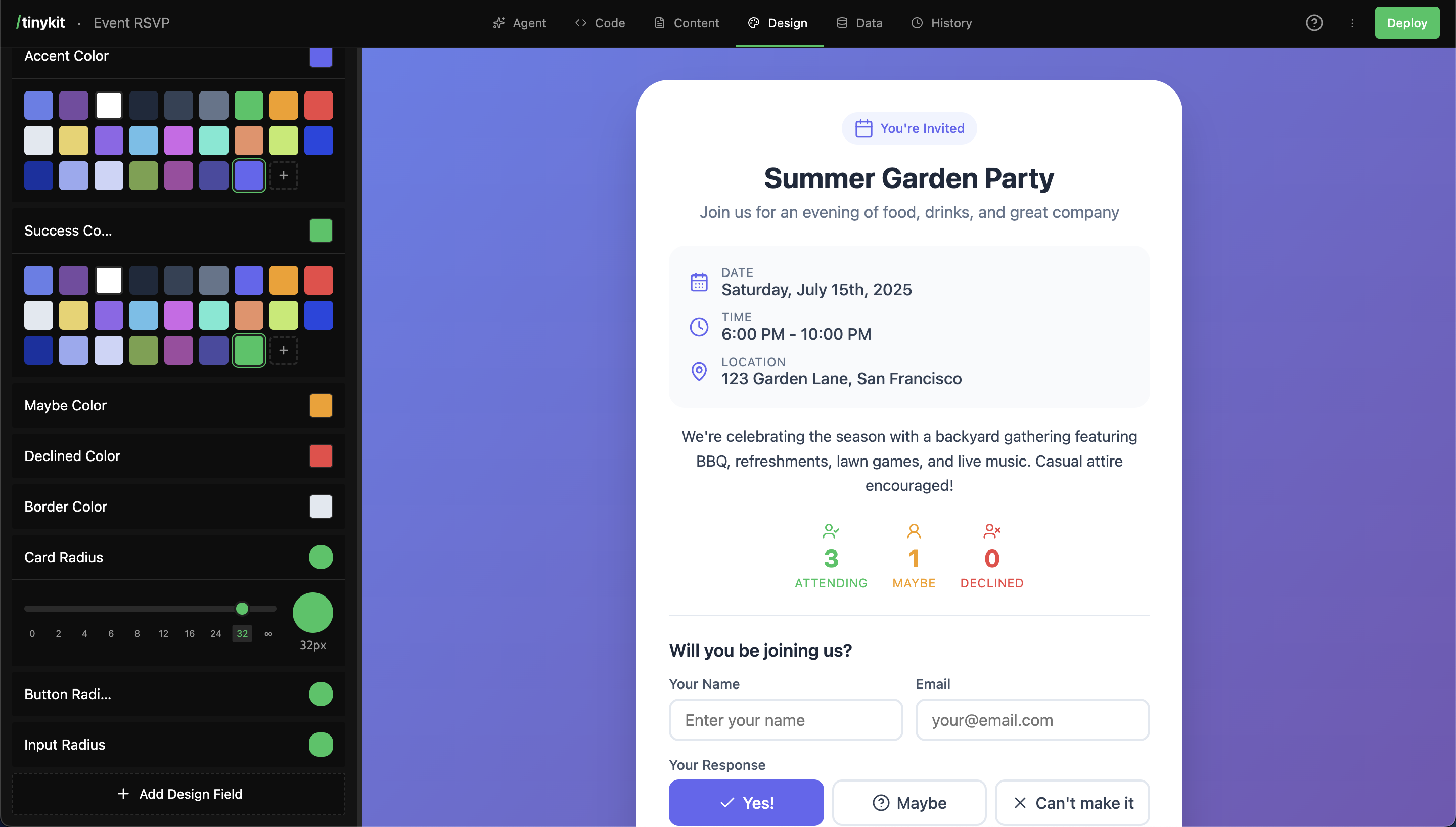
Design System panel
- Usage: Variables are used in CSS (e.g.,
var(--color-primary)). - Types: Color, Font, Size, Radius, Shadow.
Database
A built-in PocketBase instance manages data persistence.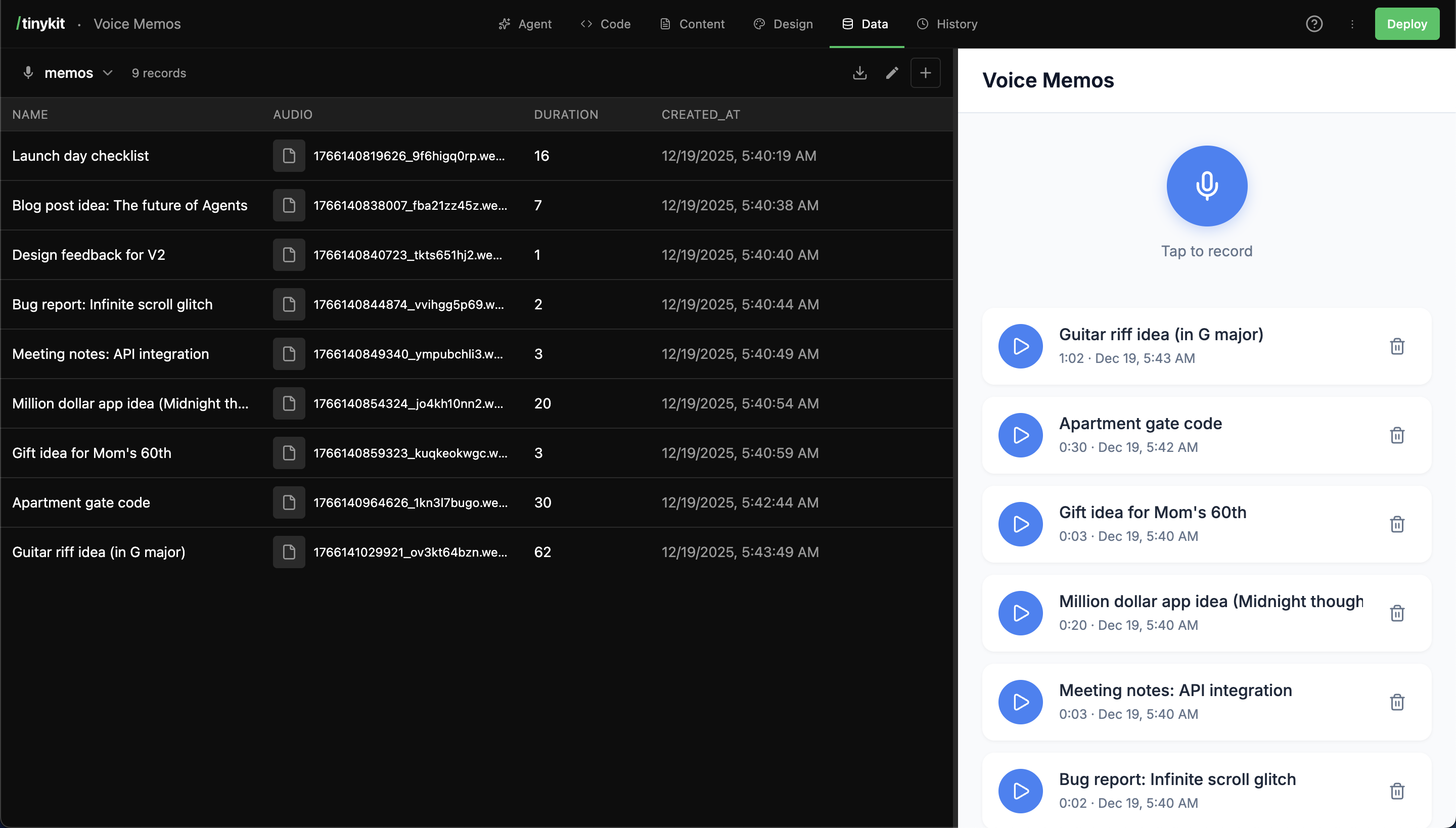
Database panel
- Integration: Local PocketBase instance running alongside the app.
- Access: Admin UI available at
/_pb/_. - Realtime: App data subscriptions set up automatically by the agent.
Snapshots
The system automatically creates snapshots for every AI generation iteration. Users can also manually create snapshots to version the state.Multi-App Routing
tinykit supports serving multiple applications from a single instance using domain-based routing. How it works:Starter Templates
14 templates included to jumpstart your projects:
Or start from scratch and let AI build exactly what you need.